.svg)
.png)
.svg)
.svg)
.svg)


Most designers didn't adopt AI tools for product design because they were excited about AI. They adopted them because a deadline moved, a scope expanded, or a stakeholder asked for three directions instead of one. The best AI tools for product design are rarely the most technically impressive — they are the ones that fit inside an existing workflow without requiring a new way of thinking. This guide covers the full stack: ai product design tools for wireframing, prototyping, UI generation, research, and shipping to code — and which ones ai tools for product designers and UX designers actually reach for in practice.
What AI tools for product designers actually solve
The honest answer is that AI for product design doesn't replace judgment. It compresses the distance between an idea and something testable. A designer who used to spend two hours producing three wireframe directions can now produce six in forty minutes — and spend the remaining time on the decisions that actually matter: which direction to pursue and why.
The tools below cover the full product design workflow: research, ideation, wireframing, prototyping, UI generation, visual production, and shipping to code. No tool does all of it well. The ones that try to usually do none of it particularly well either.
How AI is changing product design
The shift isn't about replacing designers — it's about changing where their time goes. Before AI tools became viable, a significant portion of design work was production: building out variants, generating copy, exporting assets, producing wireframes from scratch. AI handles most of that now. What remains — and what AI cannot yet touch — is the judgment layer: deciding which direction serves the user, which pattern fits the product, which tradeoff is worth making.
For AI tools for UX designers specifically, this shift is most visible in research and testing workflows. Analysis that used to take days now takes hours. Pattern recognition across user sessions that required manual review now surfaces automatically. The designer's role moves upstream — toward framing problems clearly enough that the tools can help solve them.
The best AI tools for product design in 2026
Figma Make
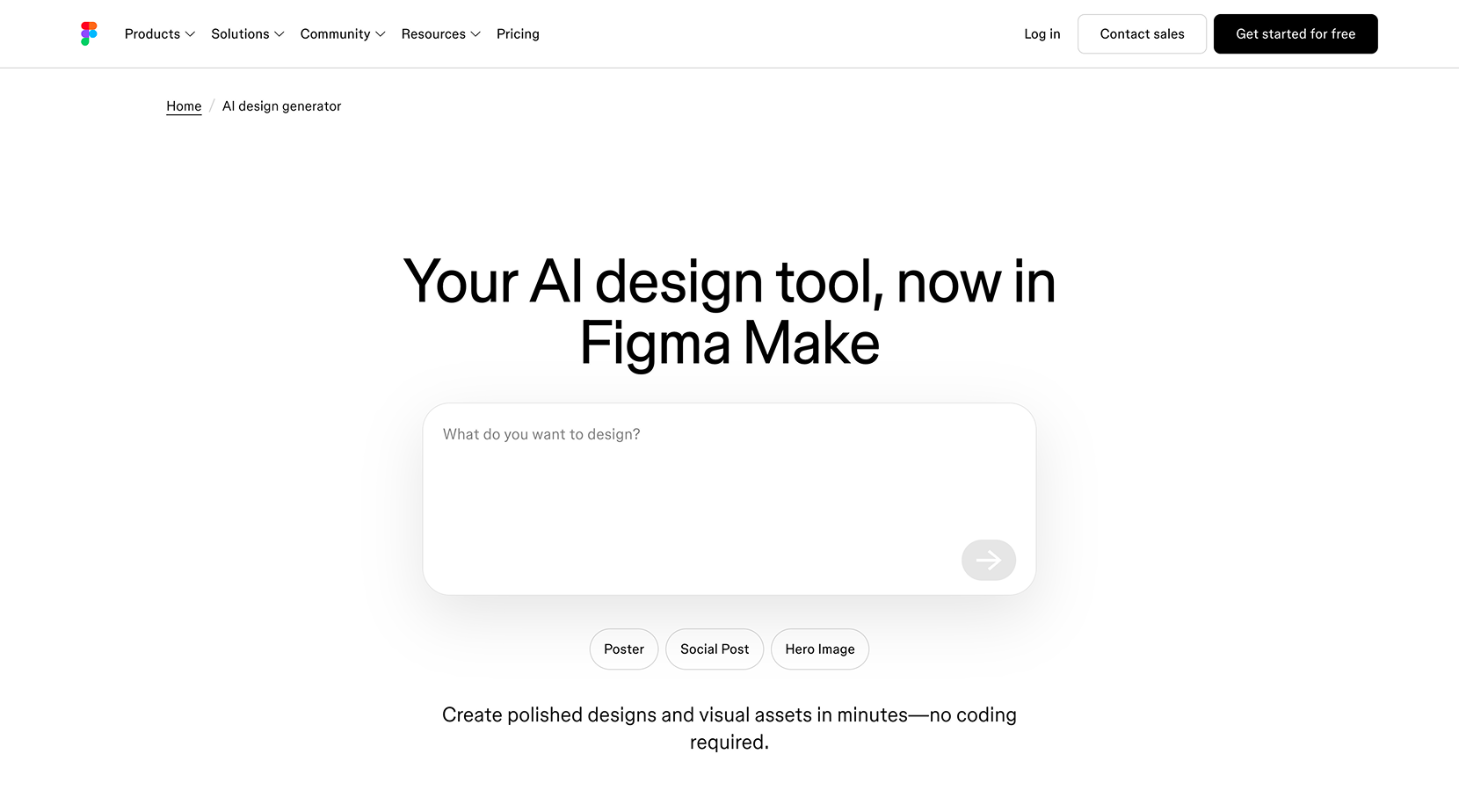
Figma's native AI layer handles the parts of the design process that were always slightly tedious: auto-renaming layers, generating placeholder copy, building first-draft variants of components, and suggesting design improvements inline. For teams already working in Figma, this is the lowest-friction entry point into AI for product design — no new tools, no context switch, no export required. The Figma AI features for designers that matter most in practice are the ones that eliminate repetitive production work without changing how the design file is structured.
Framer AI
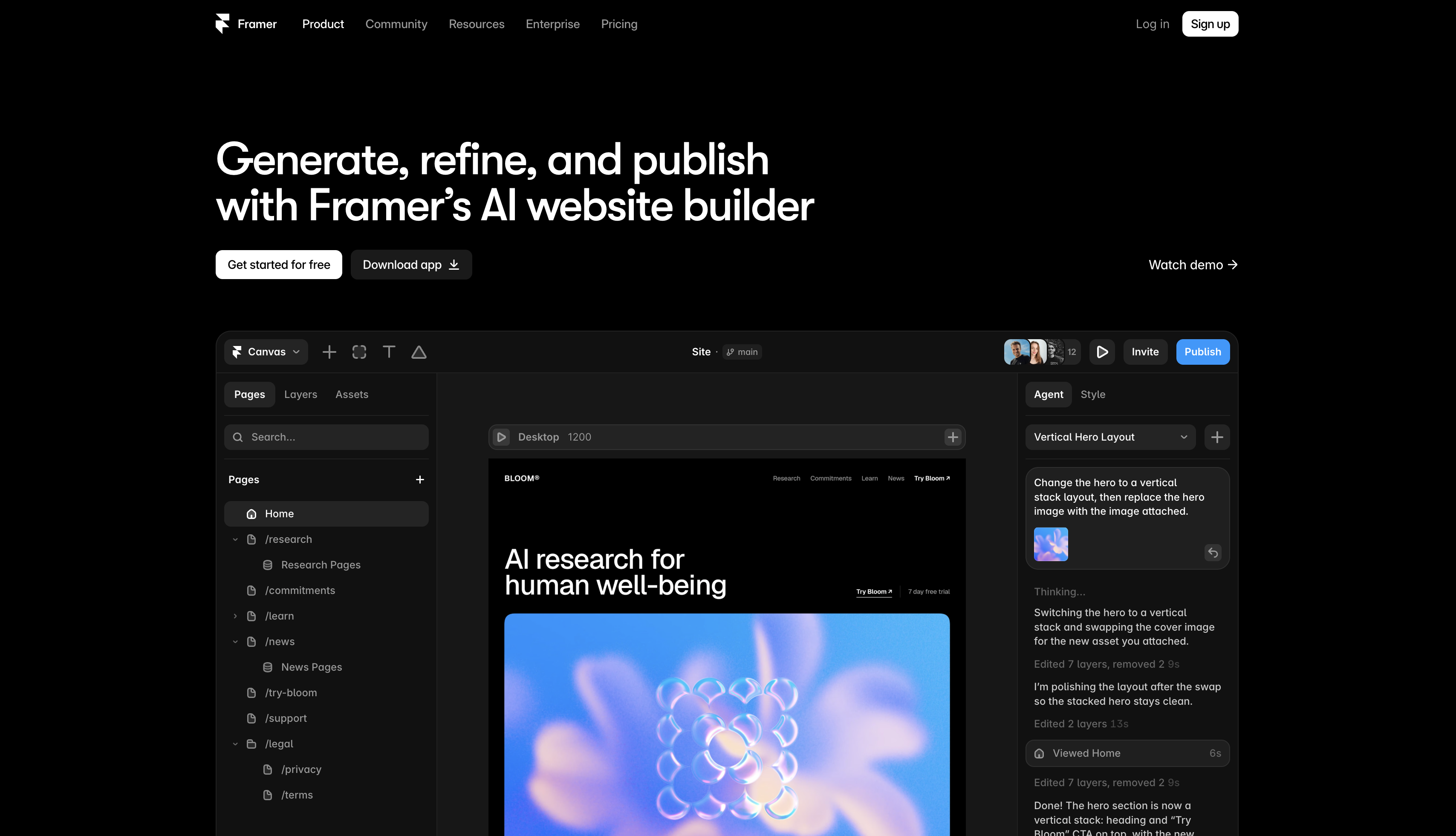
Framer AI generates production-ready websites from text prompts. Type a description, get a fully styled, responsive page — then edit it directly in Framer's visual editor. For product designers working on marketing sites, landing pages, or interactive prototypes, it removes the gap between a design decision and a live URL. INSAIM is a certified Framer Partner agency — for teams that want Framer-built products with senior design and strategy behind them, it is the platform we reach for first.

Pencil
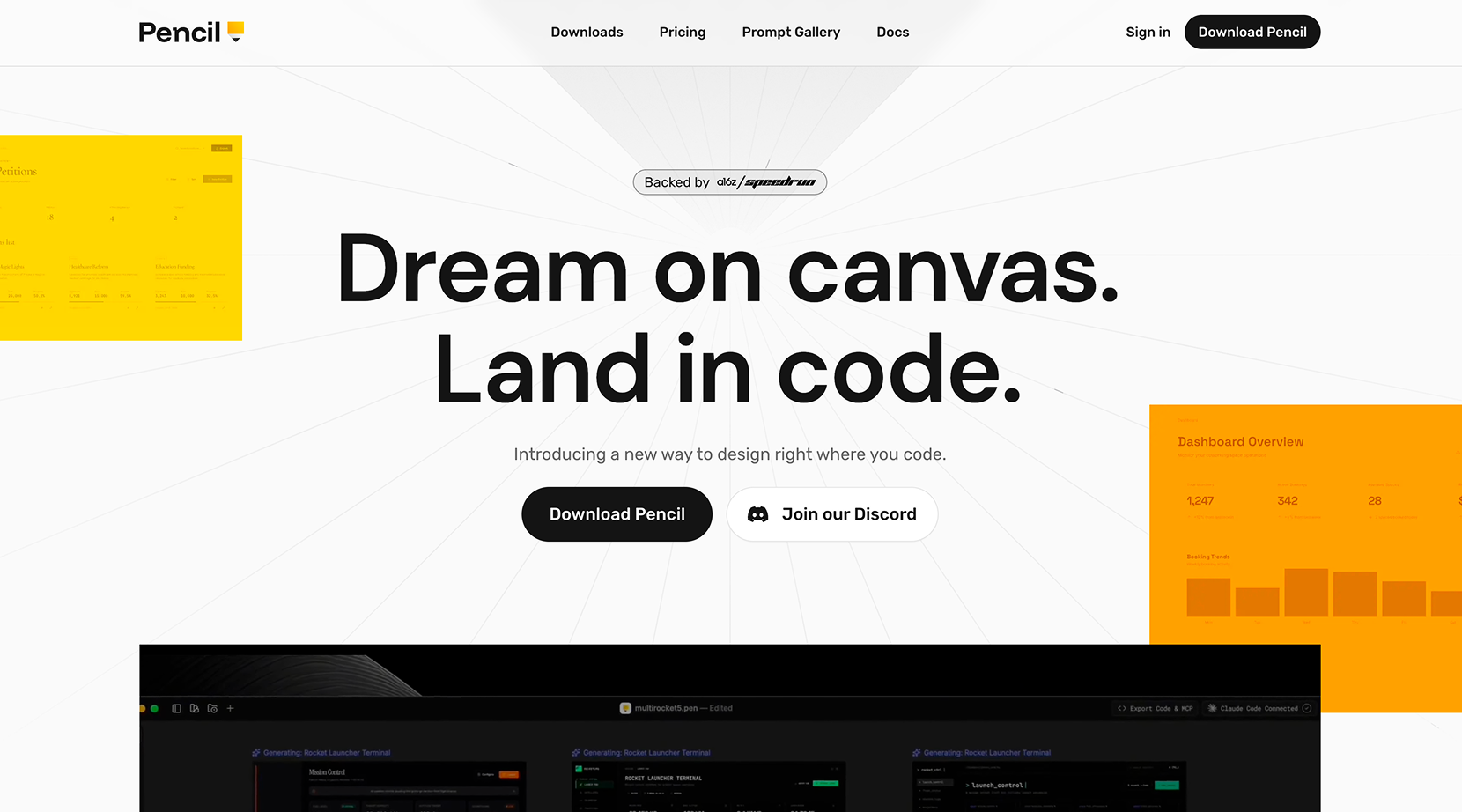
Pencil is an agent-driven design canvas built directly inside your IDE — Cursor, VSCode, Claude Code. The design file lives in the repository, versioned and branched with Git like any other file in the codebase. There are no handoffs because design and code are never separated in the first place. AI generates entire screens or flows in parallel, and the output ships as pixel-perfect React, HTML, or CSS. For product teams where the distance between design and engineering is a constant source of friction, Pencil removes the problem at the root rather than managing it.
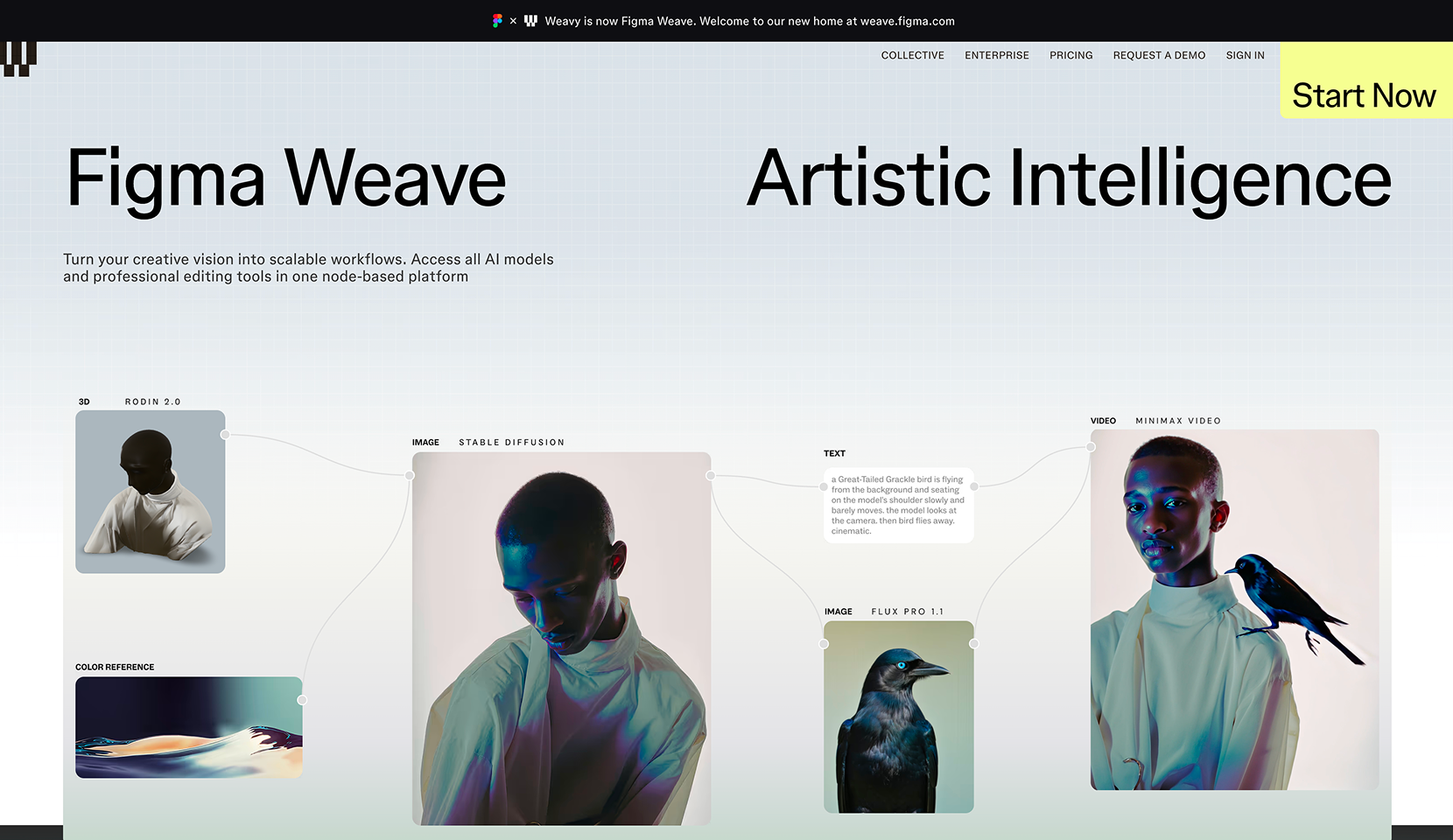
Figma Weave
Figma Weave (formerly Weavy) is a node-based creative platform that connects every major AI model — Kling, Runway, Luma, OpenAI, Grok, Recraft, Black Forest Labs — with professional editing tools in a single workflow. Compositing, inpainting, upscaling, relighting, mask extraction, and depth mapping sit alongside AI generation rather than replacing it. For product designers working on visual-heavy products — brand systems, campaign assets, motion direction, or generative UI — it is one of the most capable AI product design tools currently available for creative production work.
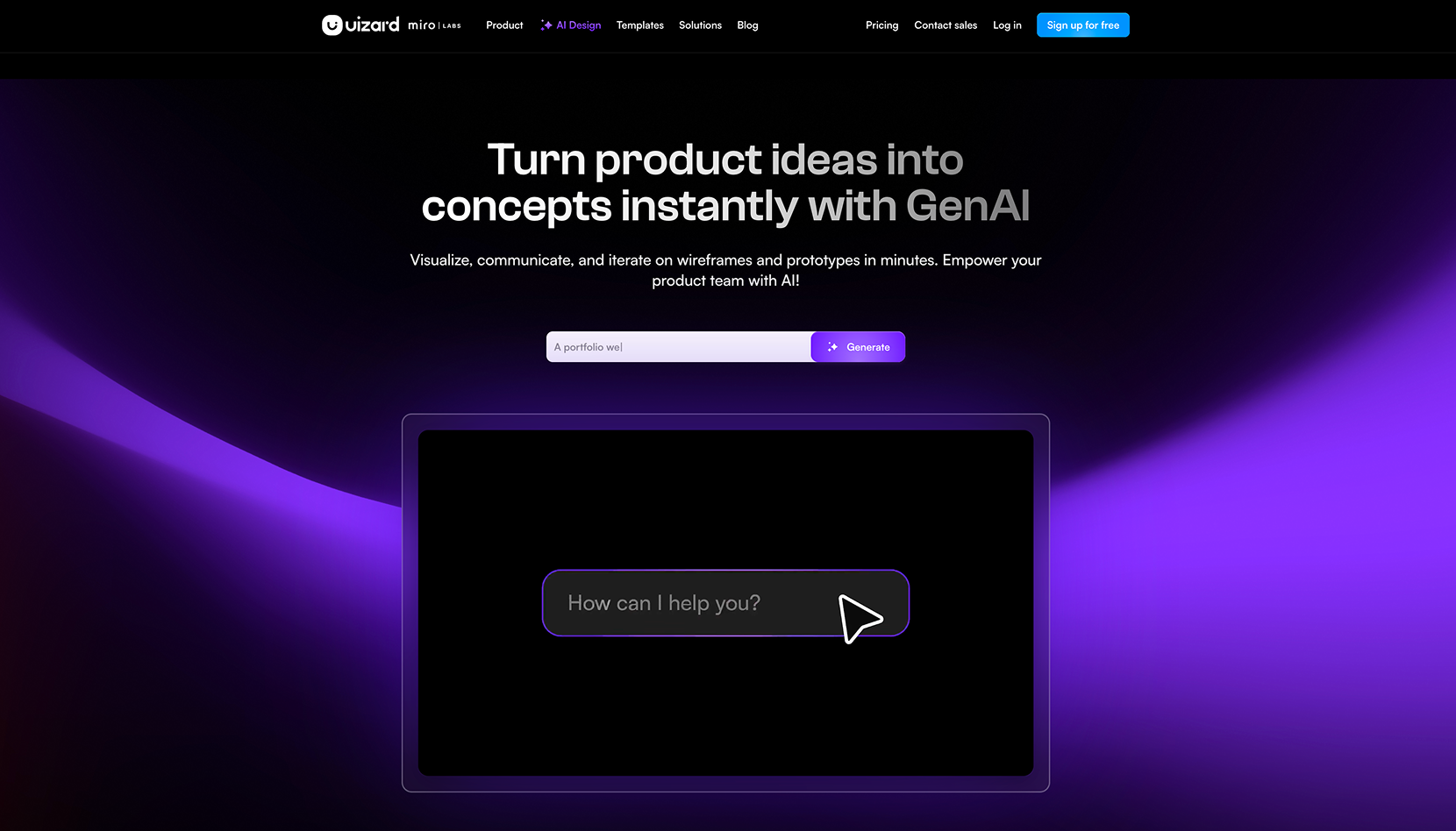
Uizard — AI tools for wireframing and prototyping
Uizard converts rough sketches, screenshots, and text prompts into editable wireframes and prototypes. As one of the most accessible AI tools for wireframing, it is aimed at early-stage ideation — getting something on screen fast enough to test a concept before investing in high-fidelity design. For teams evaluating AI tools for prototyping, Uizard sits at the low-friction end of the spectrum: the output is not production-ready, but the speed from idea to reviewable screen is difficult to match.
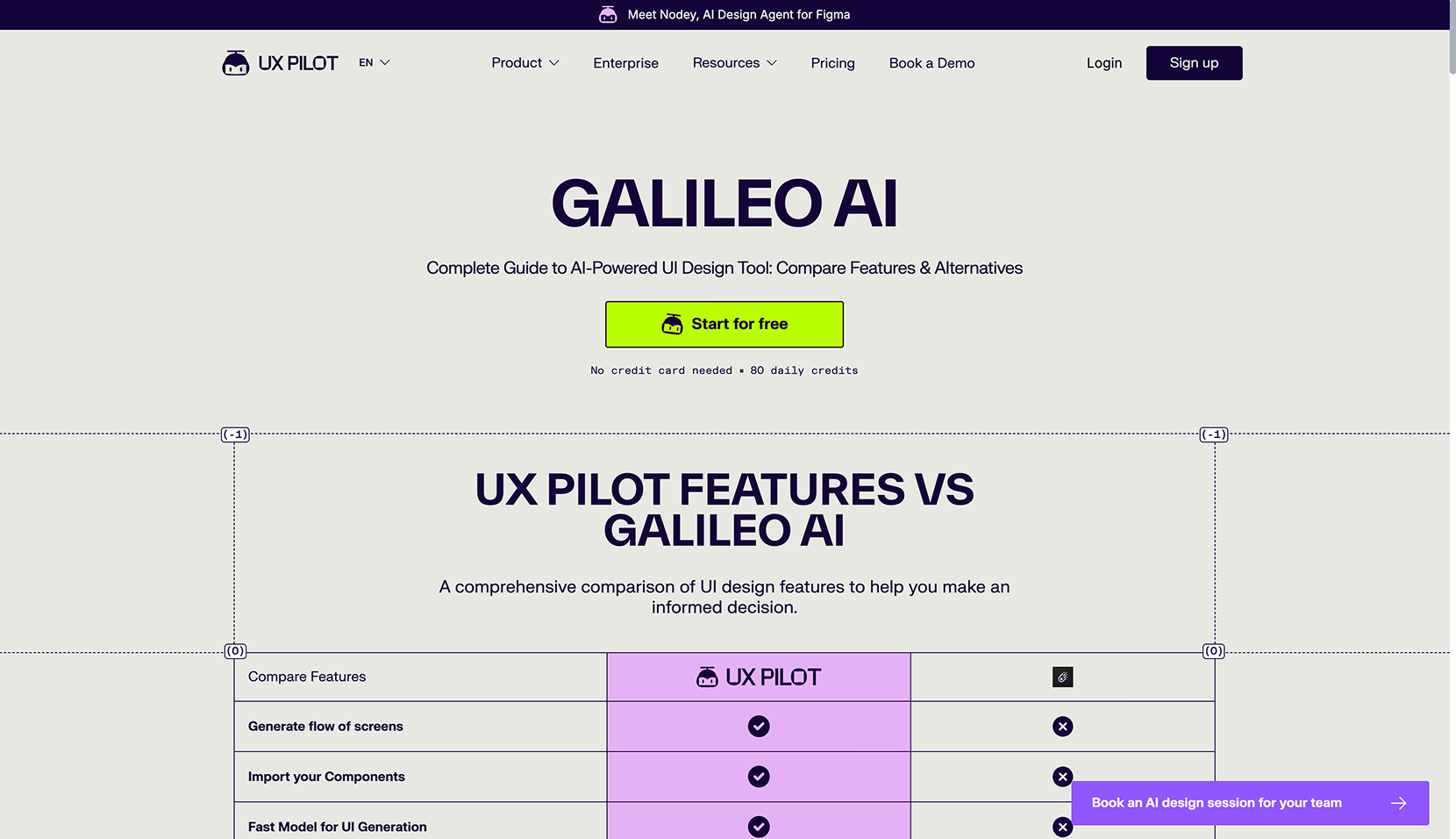
Galileo AI
Galileo generates high-fidelity UI screens from natural language descriptions. Describe a dashboard, a settings page, or an onboarding flow — Galileo produces a complete, styled screen that can be imported into Figma for editing. It is most useful in the early stages of a project when the goal is to explore visual directions quickly before committing to a design system.
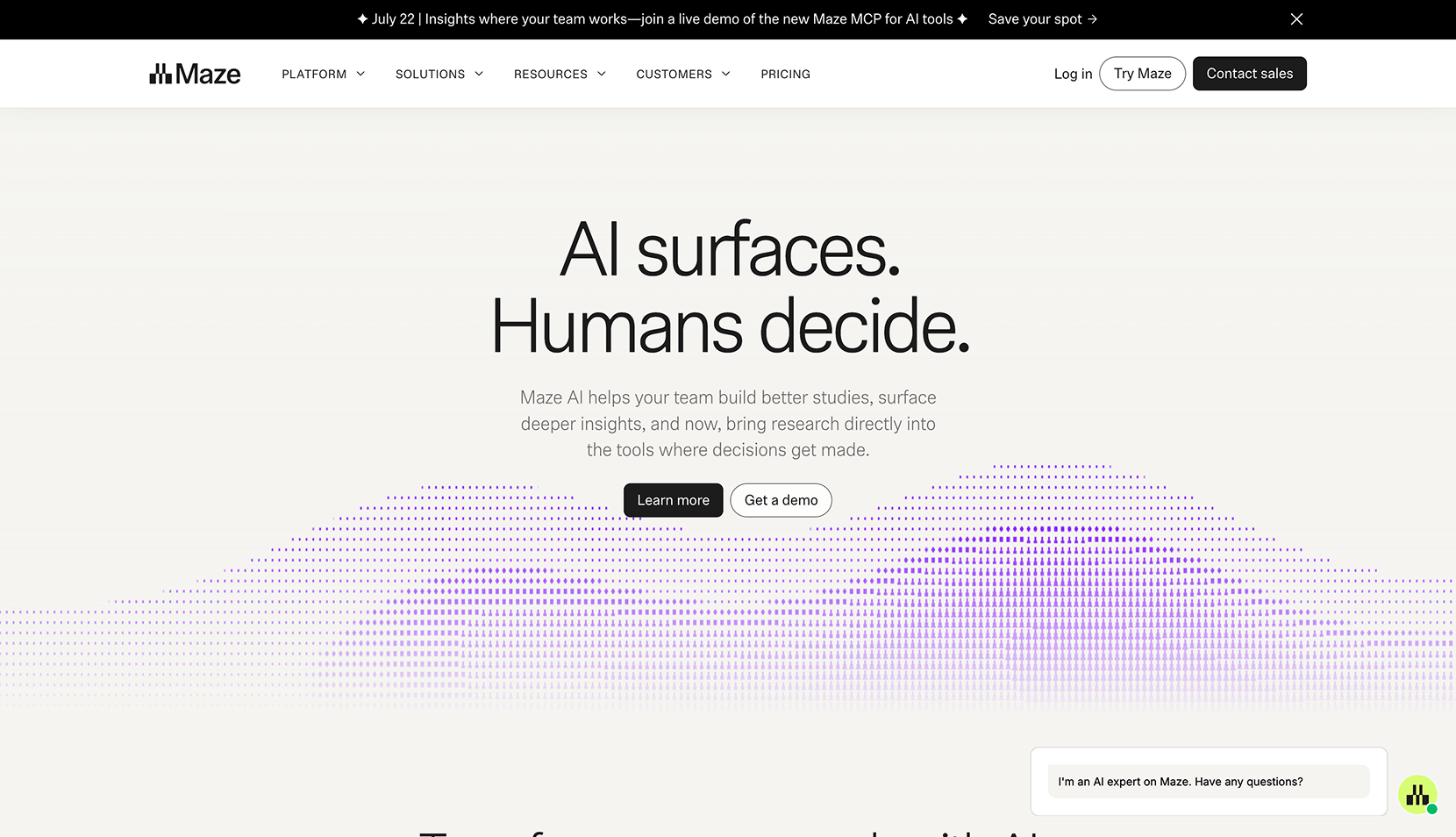
Maze AI
Maze adds AI analysis to usability testing. After running a test, Maze surfaces patterns across sessions — where users struggled, which paths they took, which tasks failed — without requiring the designer to manually review every recording. For teams looking for AI tools for UX designers that reduce research overhead without reducing research quality, Maze is the strongest option currently available.
Attention Insight
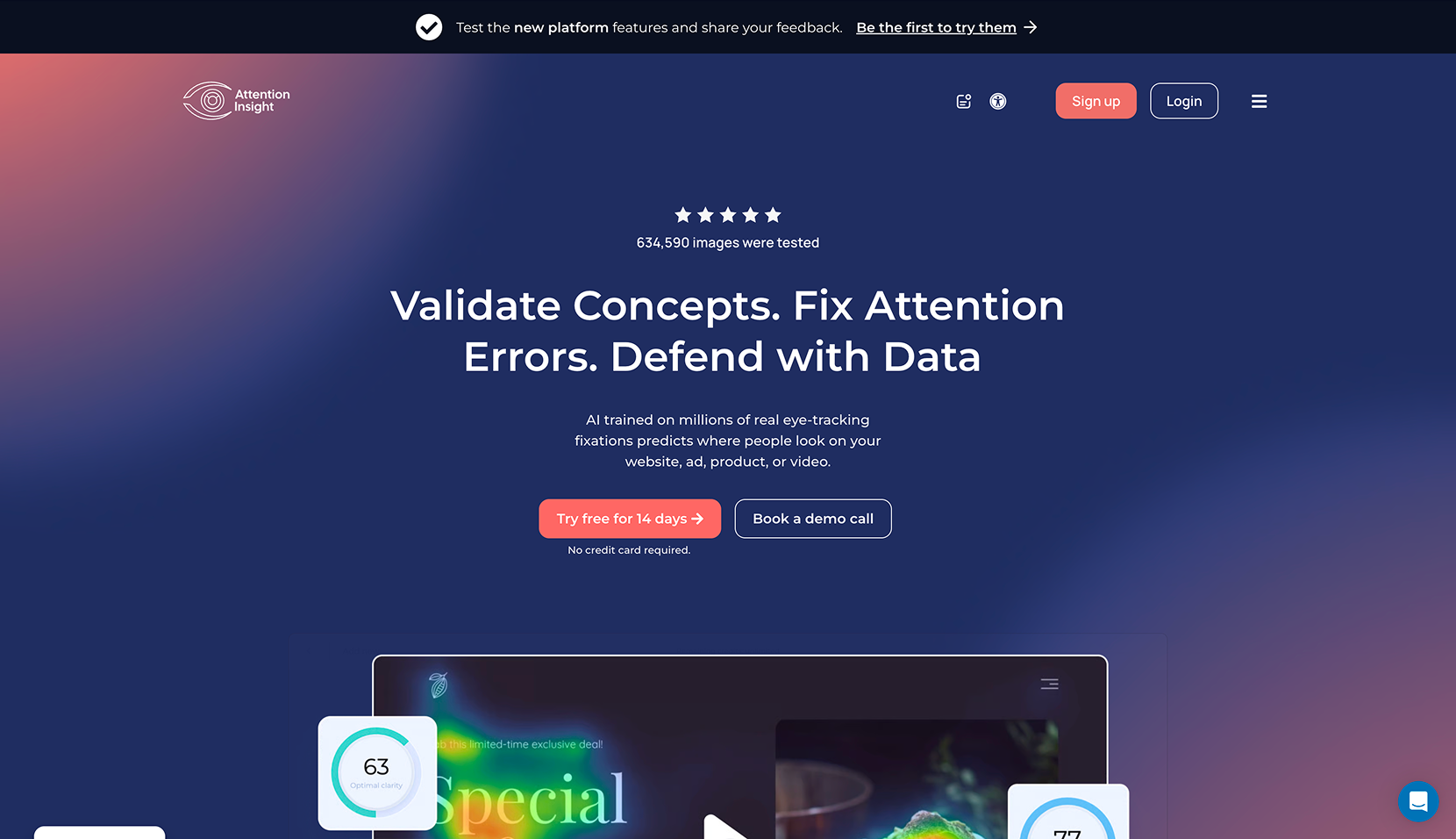
Attention Insight predicts where users will look on a screen before a single test participant has seen it. The AI generates heatmaps based on trained models of visual attention — useful for validating layout decisions on landing pages, onboarding screens, or any interface where first-impression hierarchy matters. It is not a replacement for real user testing, but it is a fast, low-cost filter before running one.
Relume
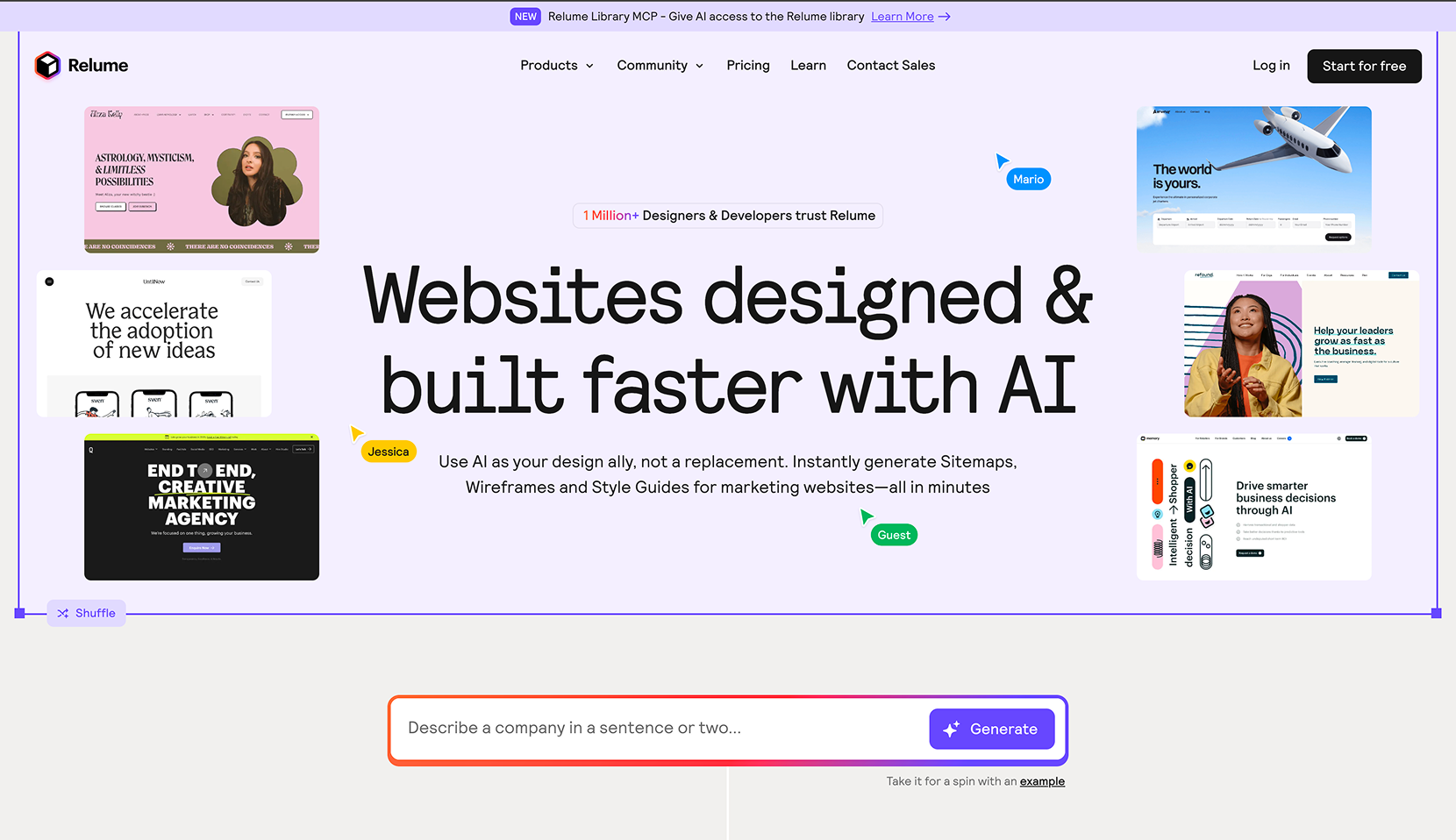
Relume generates sitemaps and wireframe component libraries from a text description of the product. Describe the type of site or app, and Relume produces a full sitemap and a set of section-level wireframes that can be exported directly into Figma or Webflow. As an AI tool for wireframing at the structural level, it is most useful at the start of a project when the goal is to align on information architecture before visual design begins.
Khroma
Khroma learns your color preferences from an initial selection of palettes and uses that model to generate unlimited color combinations tailored to your taste. For product designers who spend more time than they want to admit on color decisions, it functions as a trained collaborator rather than a random generator.
Magician for Figma
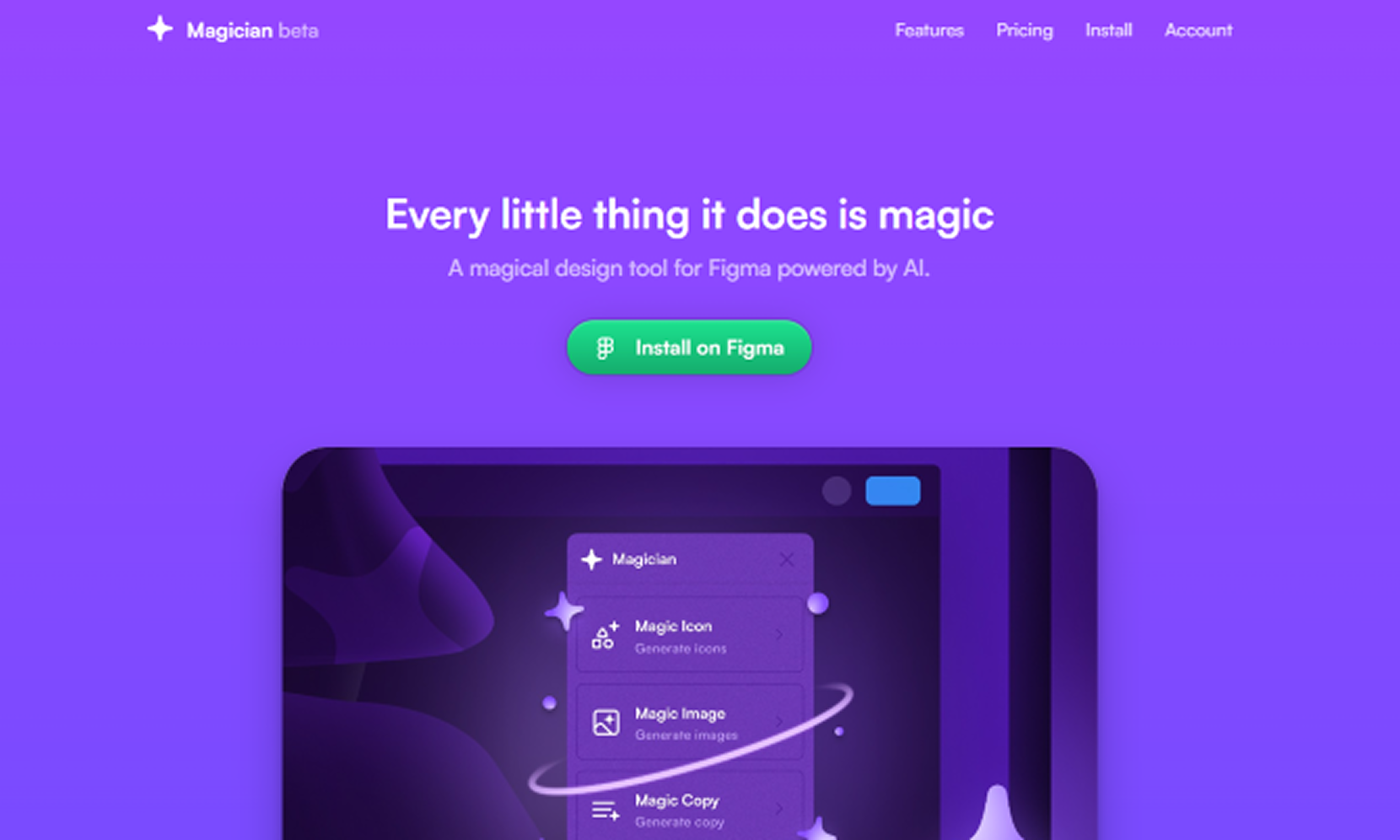
Magician is one of the most widely used AI plugins for Figma, bringing AI directly into the design canvas for copywriting, icon generation, and image creation. It is not a standalone tool — it is an accelerant for work already happening in Figma, covering the small but time-consuming tasks that interrupt the design flow. For teams looking for free AI tools for product designers, Magician offers limited free usage that covers most casual use cases before hitting the paid tier.
How to think about AI product design tools as a system
The mistake most teams make is treating these tools as independent options — picking one, using it for a while, moving on. The more useful frame is to map them against the workflow stages where the biggest time cost actually lives.
For most product teams, that means: AI-assisted research and testing at the discovery stage (Maze, Attention Insight), AI tools for wireframing and prototyping at the ideation stage (Uizard, Galileo, Relume), AI within the core design tool at the production stage (Figma AI, Magician, Khroma, Figma Weave), and AI-to-code at the delivery stage (Pencil, Framer AI).
No single best AI for product design exists — because product design is not a single activity. The question is which tools remove friction at the stages where your specific team loses the most time.
Working with an AI-driven design and development agency
AI tools don't make design decisions. They make it cheaper to make more of them. The judgment about which decision matters — which direction to pursue, which pattern to trust, which tradeoff to accept — is still entirely human. That's where the work actually lives, and it's what separates a product that ships well from one that simply ships fast.
The question we ask before recommending any AI tool is where in the workflow does the most time actually get lost. The tool is never the answer by itself — the system it sits inside is.
INSAIM is a digital design and development agency working with SaaS, AI, and healthtech product teams worldwide. We work across the full stack: UX and product design, Webflow and Framer development, brand identity, and motion — with AI integrated into the workflow at every stage where it removes friction without compromising craft.
If you are looking for a design and development agency that understands how these tools work together in practice, start with a conversation.
FAQ
What is the best AI for product design in 2026?
There is no single best AI for product design — the right tool depends on the stage of the workflow. Figma AI and Pencil lead for UI design and code output. Figma Weave leads for visual production and creative generation. Maze and Attention Insight lead for research and validation. The highest-impact approach is combining tools across workflow stages rather than relying on one.
What are the best AI tools for UX designers?
The strongest AI tools for UX designers are Maze for research analysis, Attention Insight for pre-test validation, Figma AI for production work within the design canvas, and Uizard for rapid wireframing and concept testing. The right combination depends on where the biggest time cost sits in the research and design cycle.
What are the best AI tools for wireframing and prototyping?
Uizard is the most accessible option for both — converting sketches, screenshots, or text prompts into editable wireframes and interactive prototypes quickly. Relume handles structural wireframing at the sitemap level. For teams that want prototyping that ships as production code, Pencil and Framer AI bridge the gap between wireframe and deployed product.
Are there free AI tools for product designers?
Most tools in this list offer free tiers: Figma AI is included in existing Figma plans, Magician for Figma has limited free usage, and Khroma is free. Uizard offers a free tier with usage limits. Pencil, Figma Weave, Maze, and Attention Insight are primarily paid products with trial access available.
What AI plugins for Figma are worth using?
Magician is the most established AI plugin for Figma, covering copywriting, icon generation, and image creation directly in the canvas. Figma's own native AI features have expanded significantly and handle most production tasks without additional plugins. For teams that want to extend beyond native AI capabilities, Magician remains the most reliable third-party option.