.svg)
.png)
.svg)
.svg)
.svg)


What Is Design Driven Development?
Many development processes promise speed, structure, or predictability. But design driven development promises something more meaningful: a product that actually works for the people who use it.
While traditional approaches often jump into planning or coding too early, design driven development starts by understanding the users’ world in detail. Instead of piecing together isolated features or assumptions, the team works toward a unified vision that feels clear from the very first interaction.
It’s an approach that puts people — not technology — at the center. And the results speak for themselves:
- smarter flows
- cleaner interfaces
- products that grow naturally with user needs
Why Design Driven Development Matter
Existing workflows often meet parts of the user’s needs, but they rarely bring everything together into one coherent experience. That gap leads to frustration, confusion, and products that require effort to use instead of supporting the user effortlessly. Research not only supports improved usability but shows that companies that embed design deeply into their strategy outperform their peers financially. According to a study by Harvard Business Review, companies committed to design as a core organizational function delivered substantially higher long-term returns compared with non‑design-centric firms. Harvard Business Review
1. It Ensures You Build What People Actually Need
When teams start with design research, they see the product through users’ eyes—not through internal assumptions.
This avoids a common scenario: a beautiful product that solves the wrong problem.
- Example: A health-tracking app initially planned to add dozens of advanced analytics features. But early design testing showed that most users wanted something much simpler: clearer daily insights and personalized reminders.
By shifting direction early, the final product became not only smarter but genuinely helpful.
2. Prototyping Makes Complexity Feel Manageable
Instead of waiting until development ends to discover flaws, design driven teams validate ideas early through prototypes.
- Example: A digital booking tool introduced multiple scheduling flows during prototyping. Feedback revealed that users preferred the simplest one—even if it meant fewer advanced options. Thanks to early testing, the team avoided building several unnecessary (and costly) flows.
3. It Creates a Shared Vision Across the Entire Team
When everyone—from designers to engineers to leadership—works from a unified prototype, the process becomes smoother and more enjoyable.
- Example: While designing a school portal, our team collaborated with teachers, administrators, and students. Each group reviewed the prototype and shared insights before development began. By the time coding started, every team member understood not only how the product should work but why it needed to work that way.
4. It Helps You Move Faster, Not Slower
It might seem like spending time on design upfront slows down progress.
In reality, it speeds everything up.
Clear designs eliminate ambiguity, reduce rework, and allow developers to focus on thoughtful, stable implementation.
- Example: A SaaS dashboard project that began with a complete design prototype was delivered ahead of schedule because developers weren’t forced to re-align or reconsider UI decisions mid-sprint.
5. The Final Product Feels Cohesive and Ready to Grow
A well-designed product is easier to scale because its foundations were created intentionally.
- Example: After multiple rounds of testing, a student-facing learning portal grew from a simple assignment tracker into a flexible digital ecosystem. Core features were validated early, and additional improvements were introduced naturally through student feedback—resulting in a product that evolves gracefully with school needs.
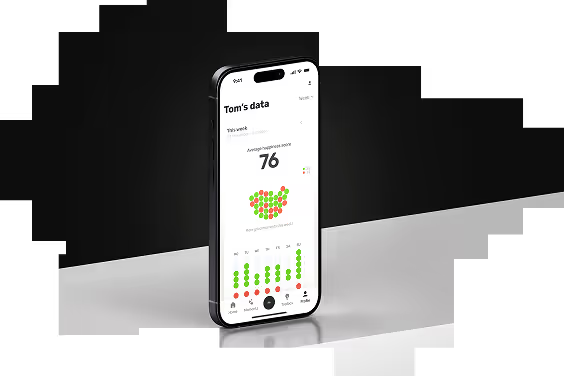
Examples of Design Driven Development in Action
Education Tools
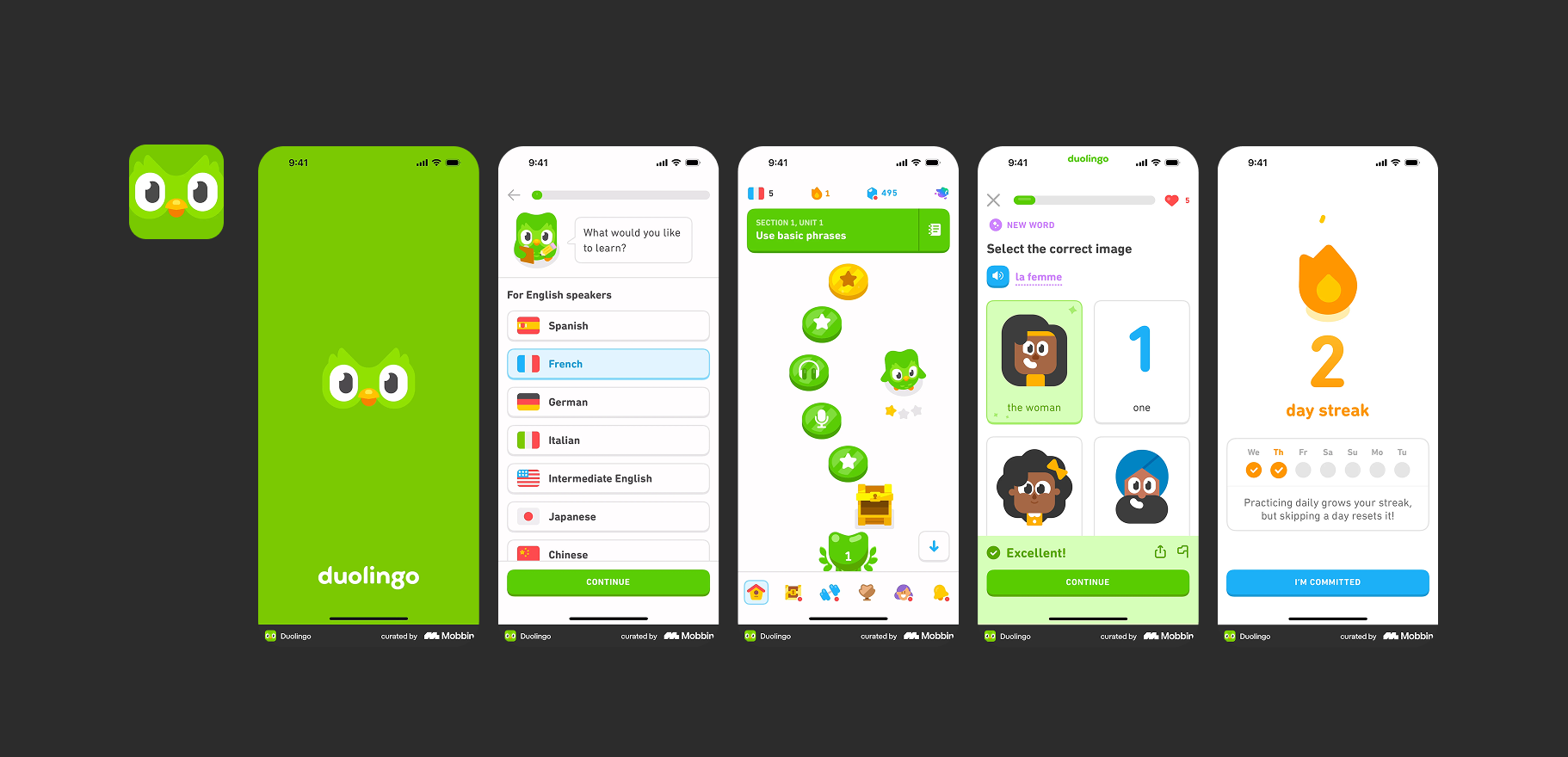
Duolingo — Duolingo is a prime example of design-driven development in education. The team began by researching learners’ behaviors, motivations, and common pain points. They discovered that users often struggle to maintain daily practice and feel demotivated by complex interfaces. Using prototypes and user testing, they iteratively designed gamified learning paths, immediate feedback systems, and a playful, intuitive interface. Every design decision—from the streak system to the simple progress indicators—was validated with users before development. The result is a language-learning app that feels effortless, engaging, and habit-forming.
Healthcare / Well-being Apps
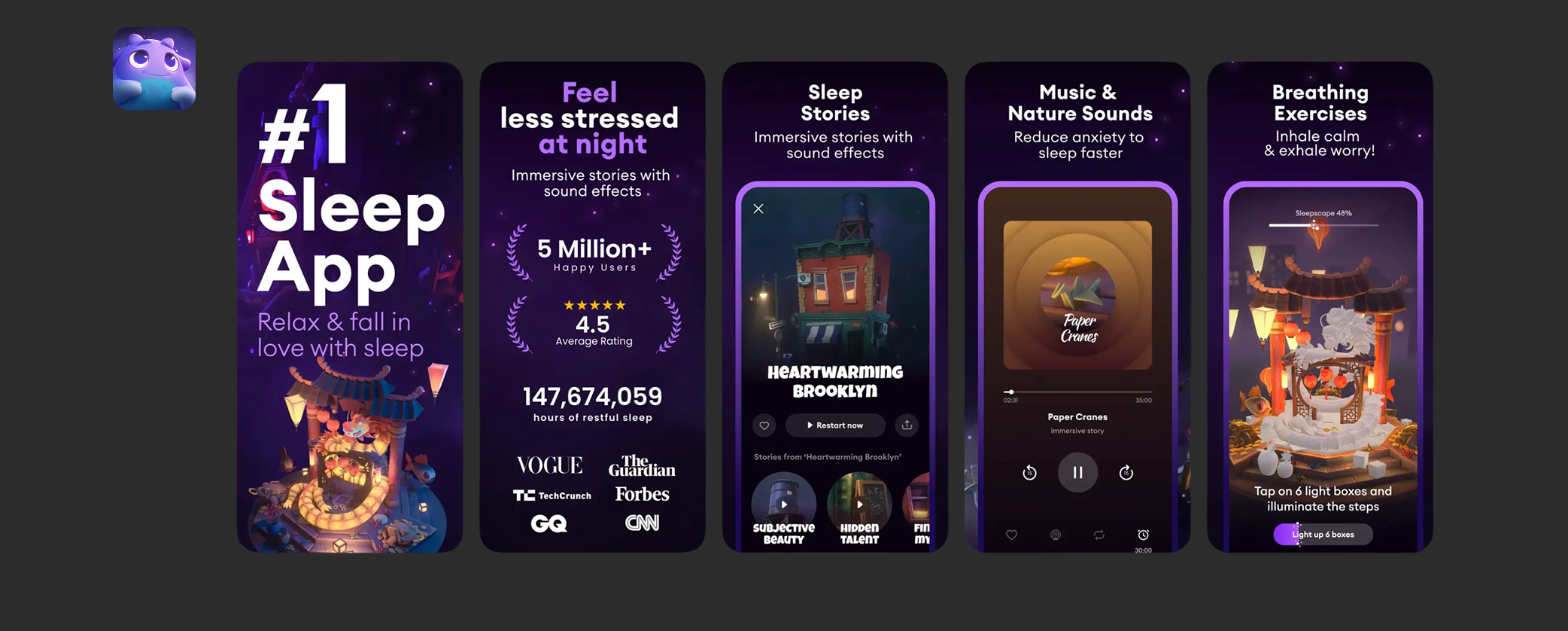
Loóna — Loóna turns relaxation and sleep preparation into a carefully designed, immersive experience. From the start, the team focused on understanding how users unwind, their stress triggers, and what prevents them from falling asleep. They created interactive “sleepscapes” combining storytelling, subtle animations, and soothing soundscapes. Through iterative prototyping and testing, the design was refined until it felt natural and calming. This approach ensured that every interface element, interaction, and animation supported the goal of relaxation. Loóna demonstrates design-driven development by putting user experience at the center and continuously testing to meet users’ emotional and functional needs.
Fintech / Finance Dashboards
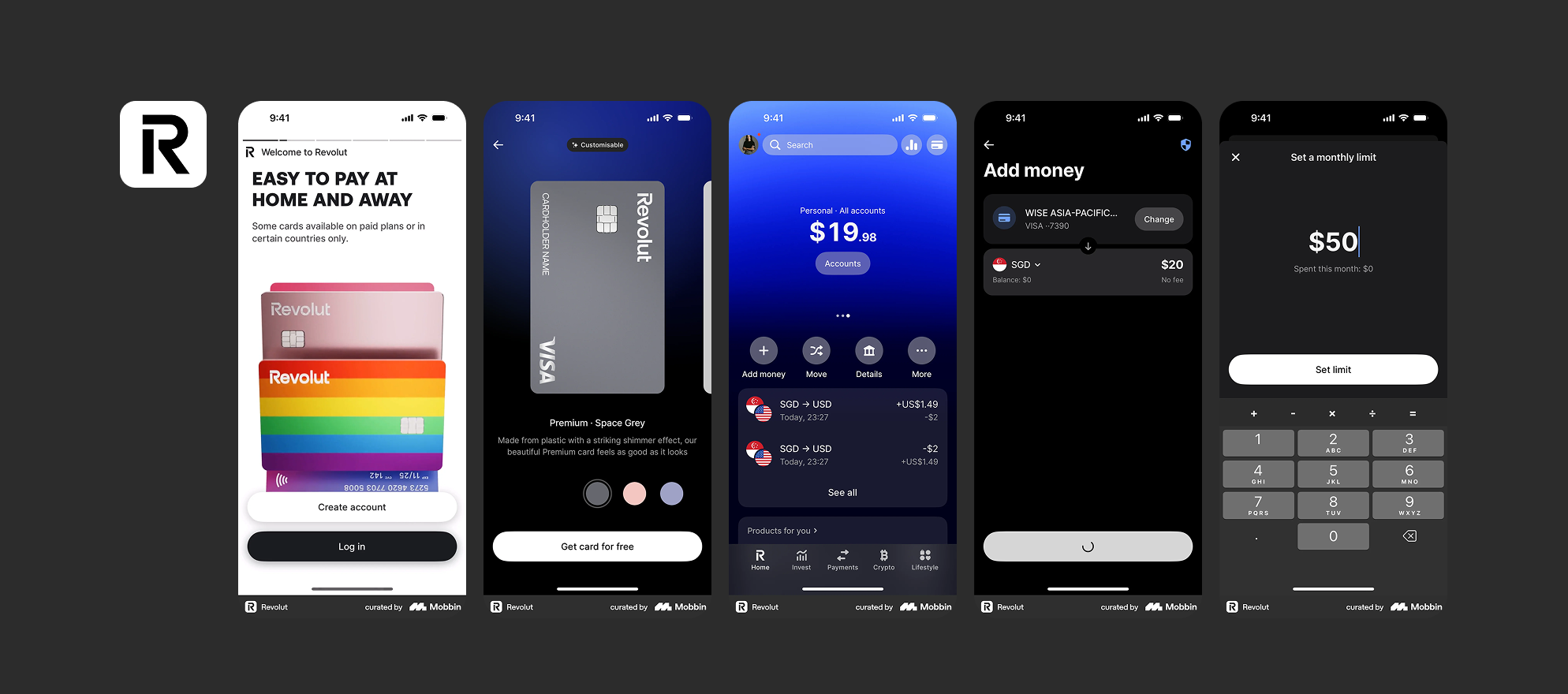
Revolut — Revolut showcases how design-driven development can transform a complex domain like banking into a smooth, user‑friendly experience. From early on, the team prioritized clarity, readability, and mobile‑first design: clean layouts, clear typography, and consistent visual language help users navigate accounts, transfers, and currency exchanges with ease. Because the app was built around a design‑first philosophy — balancing functionality with user experience — everyday banking tasks feel simple, approachable, and even empowering.
SaaS & Productivity Tools
Notion — Notion illustrates how design-driven development can manage flexibility without sacrificing usability. Early research focused on understanding how users organize and manage workflows, what caused confusion, and which patterns made tasks feel cumbersome. Designers built interactive prototypes of block-based content and navigation patterns, iterating with test users until the interface was intuitive for both simple and complex setups. The final product is a highly flexible workspace that feels cohesive and approachable because every interaction and feature was validated and refined through a design-driven approach.
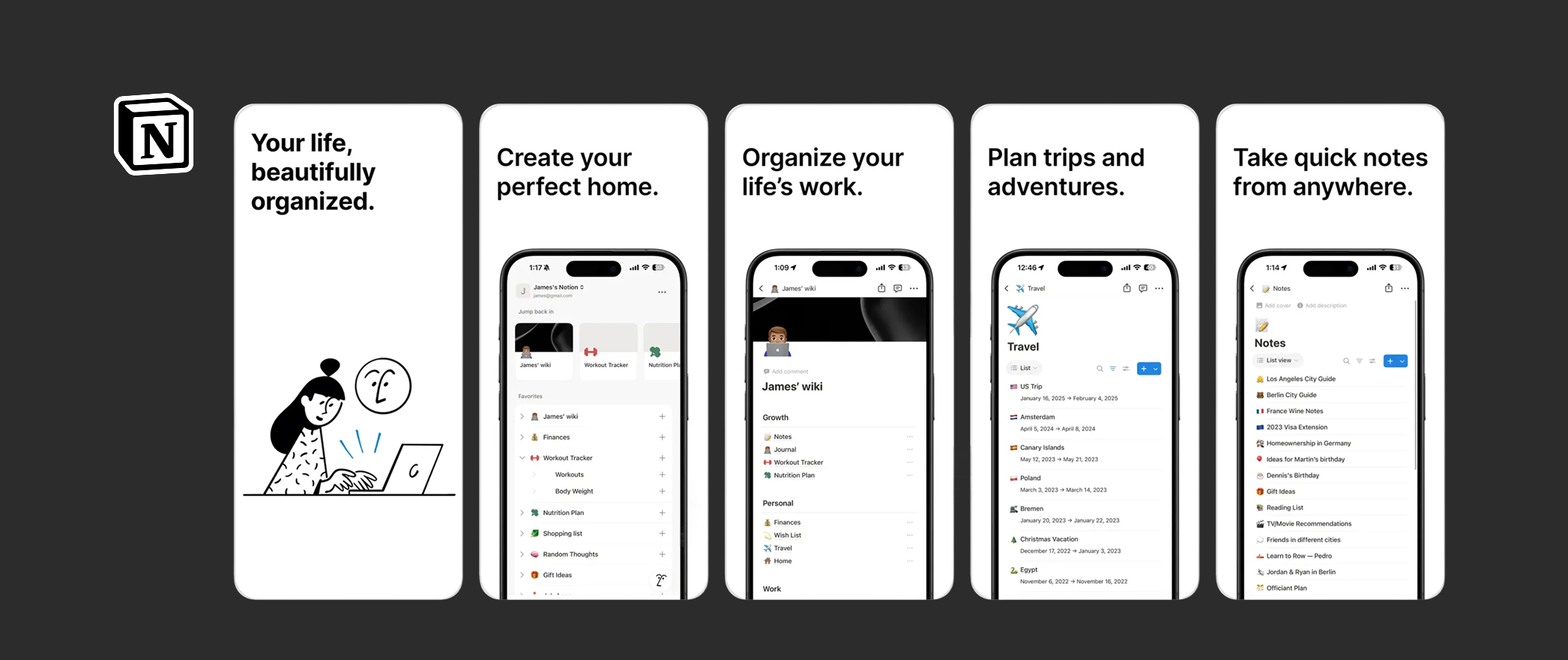
Key Takeaways: How These Products Are Design-Driven
- Research First: All teams started by understanding real user needs and pain points.
- Prototyping: Early interactive versions allowed ideas to be tested before code was written.
- Iterative Testing: Feedback was incorporated continuously to refine UX and functionality.
- Validated Features: Every feature exists because it was confirmed as useful, intuitive, and user-centered.
- Scalable Design: Interfaces and workflows were intentionally designed to grow as users’ needs evolve.
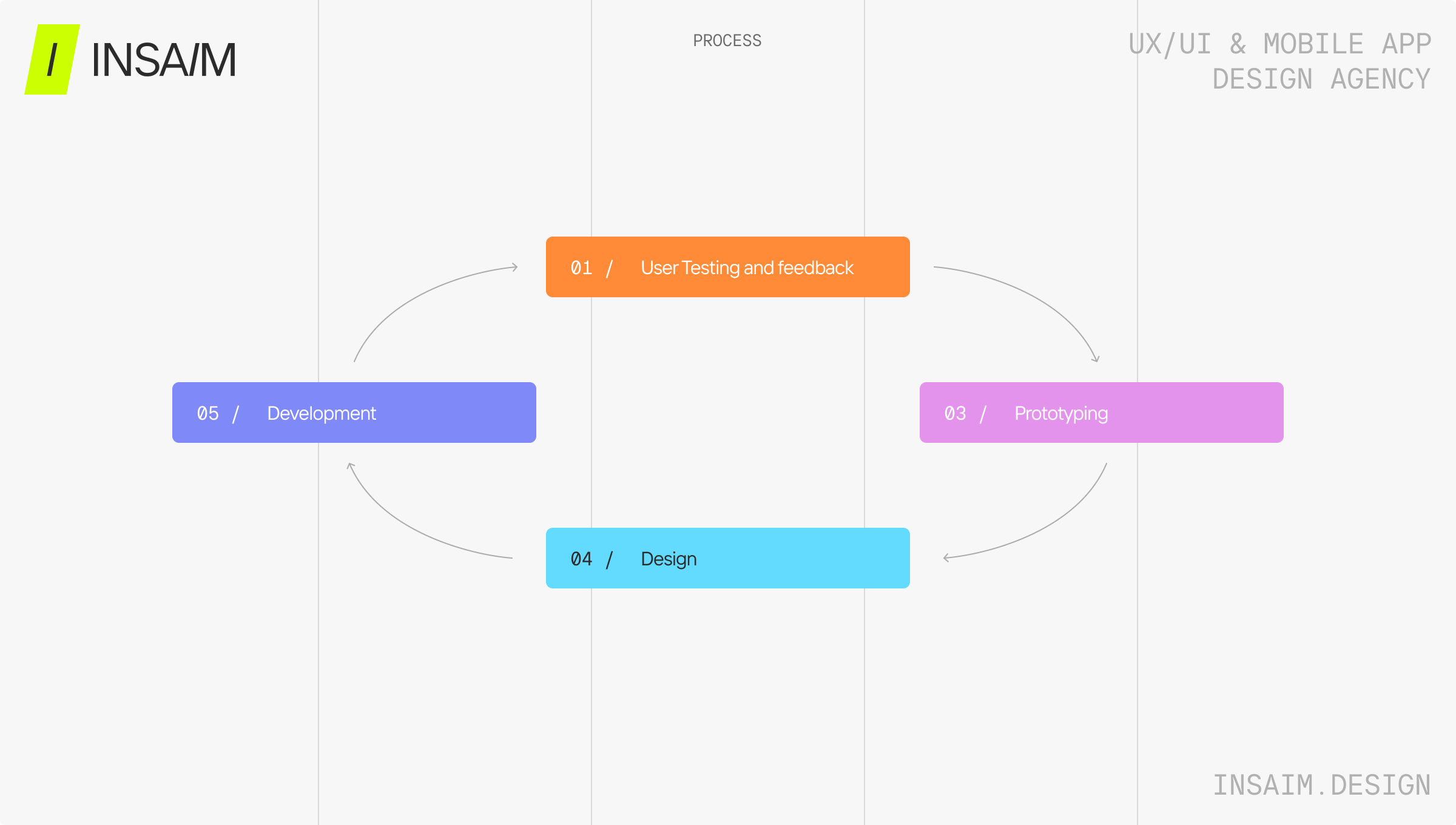
How Design Driven Development Works (Step by Step)
1. Research That Builds Understanding
◦ what users struggle with
◦ which workflows feel slow or unclear
◦ what their goals and motivations are
2. Clear Problem Definition
Instead of jumping into feature lists, the team crafts precise problem statements.This clarity keeps the project focused and prevents unnecessary complexity
3. Prototyping With Purpose
Designers explore multiple directions and translate ideas into interactive prototypes. These prototypes are not final designs—they’re working tools for thinking, refining, and collaborating.
4. Testing With Real Users
Early feedback allows the team to remove friction and address misunderstandings long before development begins.This stage often leads to the most meaningful improvement.
5. Thoughtful Development Guided by Design
Once the prototypes feel right, developers implement them with confidence.There is no guesswork. No translation errors. No surprises.The result is a stable, user-friendly product from day one.
6. Continuous Iteration and Improvement
The product evolves naturally as new needs appear.Design remains involved, ensuring every update fits into the broader ecosystem instead of feeling “bolted on.”
Design Driven Development vs. Other Methods
Many traditional development approaches address parts of a product’s needs, but they often miss the bigger picture. Engineering-driven development, for example, focuses on what’s technically feasible, which can leave the user experience behind. Feature-driven or Waterfall methods often prioritize completing tasks or following rigid plans, which can result in products that feel confusing or disjointed.
Even Agile and Lean approaches, which encourage iteration and flexibility, don’t automatically put the user first. Without deliberately embedding user research, testing, and feedback, these methods can still produce experiences that don’t quite match what people actually need.
Design-driven development takes a different path. It ensures that user needs and experience are at the center from the very beginning, guiding every decision from research to prototyping to the finished product. And it’s not just a theory: a 2023 study in the International Journal of Computer Trends and Technology found that teams applying user-centric practices — like iterative prototyping and continuous feedback — reported over 80% higher user satisfaction. They also saw improvements in engagement, retention, conversion, and customer lifetime value (IJCTT, 2023).
In short, design-driven development doesn’t just aim to build features. It creates products that people can actually use, enjoy, and rely on, while delivering real impact for the business.
FAQ
- What makes design driven development different from traditional development?
Traditional development starts with planning or engineering.
Design driven development starts with people—their needs, challenges, and goals. - Does this approach slow the project down?
Not at all. While it adds clarity upfront, it dramatically reduces rework later, resulting in faster delivery. - Is design driven development only for large projects?
It works for any project where user satisfaction matters—from school portals to enterprise tools. - How does this method support long-term scalability?
It creates clear patterns, stable design foundations, and user-validated structures that grow naturally over time. - Can design driven development work alongside Agile?
Absolutely. Many teams run design one sprint ahead to ensure development always has validated material.
-